
To connect your domain name to your website, you will need to change your domain name's nameservers. If your domain name is registered with Jolly Leaf, you can change your domain's nameservers via the Jolly Leaf Tree House.
Step 1: Login to the Jolly Leaf Tree House.
Step 2: Click Domains and then My Domains.

Step 3: Click Manage Domain.

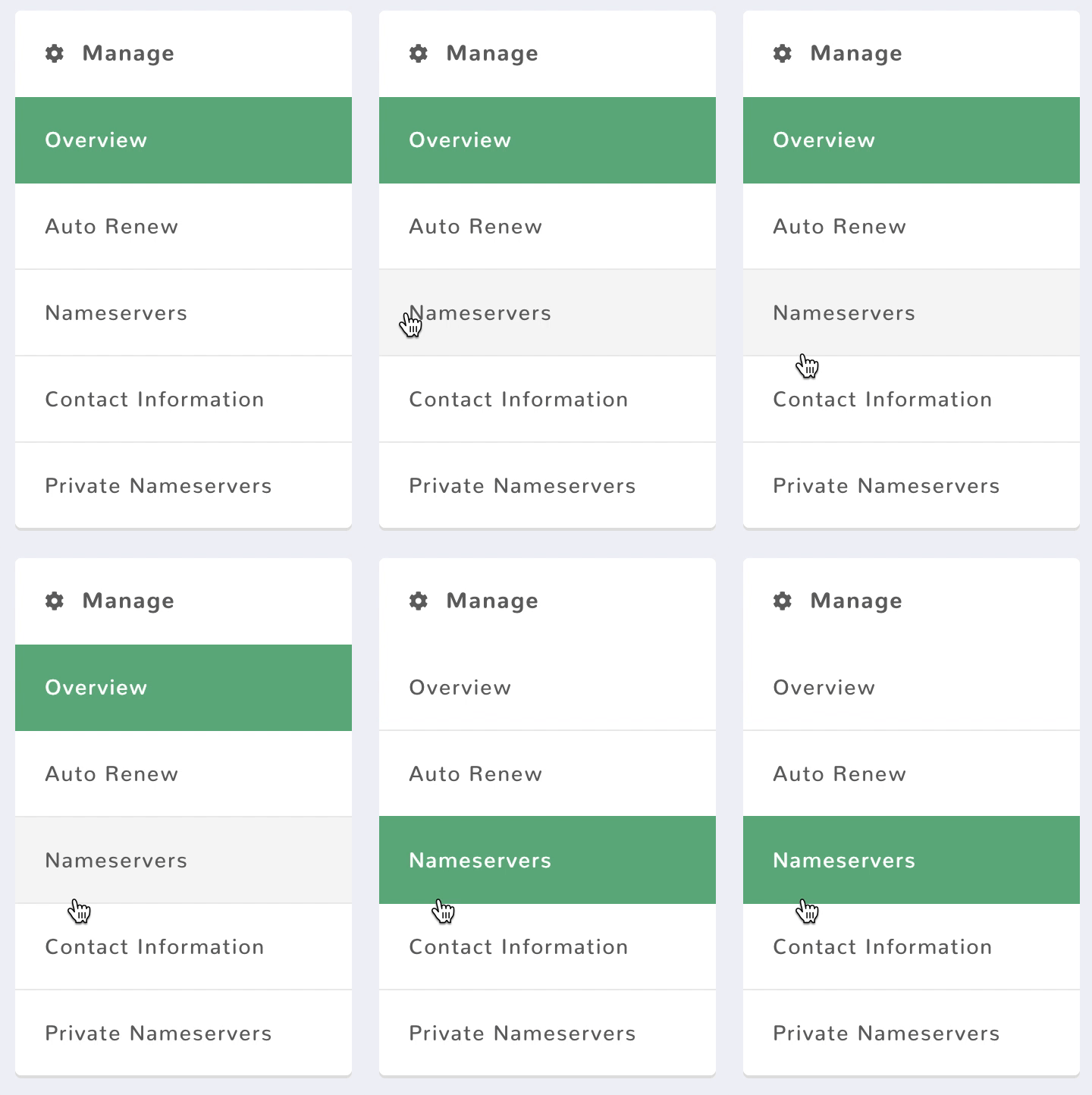
Step 4: Click Nameservers on the right-hand-side.
Step 5: Enter the nameservers and click Update Nameservers.
- Use default nameservers - Select this option to revert your domain name's nameservers to the default Jolly Leaf nameservers.
- Use customer nameservers - Select this option to use your own nameservers.

Note: Once your nameservers have been updated, it will take up to 24 hours for your DNS changes to propagate and to take effect.