
There are many FTP clients out there. Jolly Leaf recommends FileZilla - a free of charge FTP client.
Step 1: Click the Site Manager icon.

Step 2: Click New Site to setup a new FTP profile.
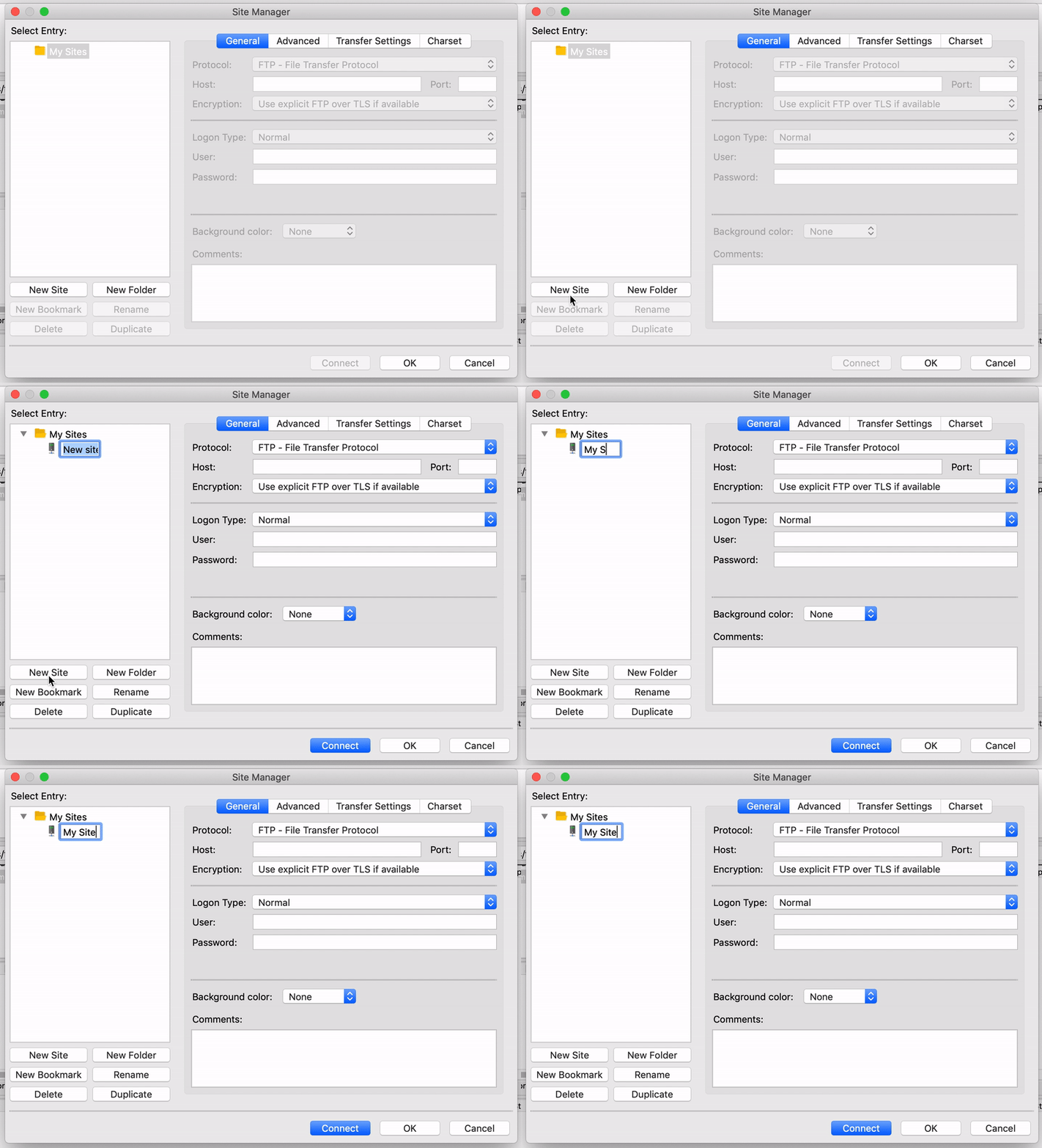
Step 3: Enter your FTP user details and click Connect.
- Host - This is your hosting account domain name or IP address.
- Port - This is port "21"
- Username - This is your cPanel username
- Password - This is your cPanel password

Step 4: Navigate to the public_html directory to upload your files.